
 فارسی
فارسی English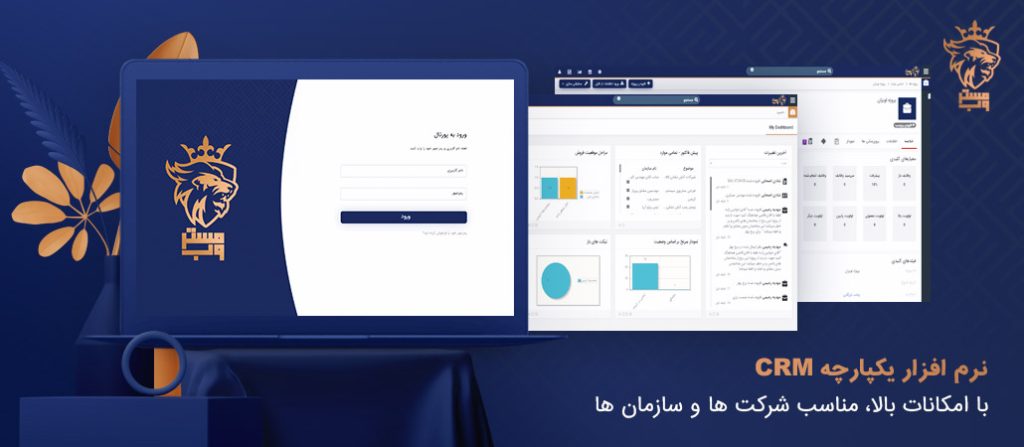
What is CRM Software?
CRM software enables you to carry out targeted and personalized marketing, attracting new customers. With it, you can anticipate customer needs before they even make a request, impress them with special offers, and foster loyalty by improving post-sale services. Additionally, the software provides reports that help identify the strengths and weaknesses of your business, allowing you to review and automate processes to enhance employee efficiency and increase sales.
Benefits of Using CRM Software
CRM software improves internal and external communications within an organization, aiming to establish and maintain long-term relationships. By increasing the conversion rate of leads to actual customers, reminding follow-ups, categorizing opportunities and customers, upselling, cross-selling, and encouraging repeat purchases while fostering customer loyalty and reducing costs, CRM software contributes to increased sales. Other CRM tools help automate tasks and generate real-time reports, enhancing productivity and promoting teamwork. All of these tools are designed to improve the customer experience, respond to their needs, and ultimately boost sales.
What is the Purpose of Customer Relationship Management Software?
Customers are the lifeblood of any company. In today’s competitive market, with a wide variety of products and services, businesses need to create unique values to attract and retain customers. Increasing customer satisfaction, retention, and loyalty are the main objectives of CRM software. With CRM, you can store customer information and systematize marketing, sales, and customer service processes without worrying about losing or forgetting important data.
How Does CRM Software Help Increase Sales?
CRM software helps organize and automate different sections of a business, preventing repetitive or forgotten tasks. It consolidates scattered sales opportunities throughout the organization, assigning them to sales teams for future follow-up. CRM software provides continuous reports that highlight the strengths and weaknesses of various departments, allowing you to take corrective action.
Overall, CRM tools cover areas such as marketing, sales, post-sale services, and more, helping reduce costs and increase sales. CRM performs exceptionally well in marketing, which is why some companies consider it sales software. It organizes leads from different channels and provides insights into your business through tools like sales pipelines and funnels.
CRM Software Features in Sales
CRM software offers extensive features in the sales process. Once a lead is acquired, it enters the sales cycle where a sales opportunity is created, allowing you to manage all customer purchases. The software also provides reporting and analysis capabilities.
CRM Software Features in Inventory Management
CRM helps manage product and service inventories. In this section, you can define various pricing strategies in a price book, manage invoices, and track inventory levels.
CRM Software in Project Management
CRM has also proven highly effective in project management, earning user satisfaction. By connecting sales opportunities with projects, creating project phases, and assigning tasks, CRM brings unparalleled integration to different departments of the organization, streamlining the sales process and reinforcing its structure. Additionally, it allows for easy access to the analysis and reports you need.
Key Features of CRM Software
| Creating marketing campaigns | Contact and organization management | Lead management |
| Sales opportunities | Sales section | Customer task management |
| Sales pipeline | Generating quotes | Sales team evaluation |
| Supplier management | Creating invoices | Inventory management |
| Product creation | Service creation | Price books |
| Sales records | Purchase orders | Support section |
| After-sales service | Service contracts | Support ticket management |
| FAQs | Project phases | Project task management |
| Email management | Document management | Report builder |
| Management dashboard | Work calendar | Task assignment |
| Custom form creation | Workflow creation | Organizational processes |
| Organizational chart creation | Google Calendar integration | User management |
| Menu editor | Tax management | Organizational regulations |
| Client portal | Multiple currency units | Language customization |
| Web form creation | Sharing rules | Group creation |
| Template customization | Customer ranking | Web-based platform |
| New filter creation | OS support | Activity scheduling |
| Recycle bin | Excel export | User grouping |
| Individual and group referral system | Beautiful Design | and Other feature … |